


Modern Access Control for Business: How to Choose a System and Automate Time and Attendance Tracking
Successful management of a modern company requires constant optimization of internal processes and the elimination of any operational losses.
Business directors, business center managers, and commercial property owners regularly face routine tasks that, without proper control, can lead to direct financial losses. Employees losing keys, regular tardiness at the start of shifts, the need for manual attendance tracking, and the risk of unauthorized access by outsiders — all these problems arise where security still depends on the human factor.
In Georgia’s rapidly developing business sector, protecting company assets and maintaining strict internal discipline requires the integration of the latest digital tools. The most effective step toward creating a secure and transparent work environment is the implementation of professional access control systems. In this detailed guide, explained in simple language accessible to managers and clients, we will explain how to select suitable equipment, which technical details to pay attention to when purchasing, and how to turn basic access tracking into a powerful automated HR management tool.
Effective Space Management: Access Control Challenges in the Commercial Sector
The main function of any access control system is to automatically manage access rights and regulate the flow of people in a facility. Simply put, the system must accurately identify each individual, unlock doors or barriers only for those with official permission, and log every movement with millisecond precision. For modern office spaces, large business complexes, and industrial facilities, implementing such equipment solves various fundamental challenges.
Protection of Sensitive Areas and Assets
Every business has areas where access must be strictly restricted. This may include server rooms, accounting departments, executive offices, document archives, or finished goods warehouses. The system allows for flexible configuration of access rights for each employee: for example, frontline staff can only enter their own offices, while access to technical or administrative zones is blocked for them. Without special digital authorization, unauthorized persons physically cannot breach the security perimeter.
Eliminating Errors and the Human Factor
Traditional paper logs filled out by security guards are completely obsolete. They do not guarantee accuracy; data is easy to falsify or record from memory, and manually searching for a necessary entry in the archive takes a very long time. A digital system is completely autonomous — it instantly records the time, ID, and direction of movement in a central database. It is impossible to delete, falsify, or change this information for personal gain.
Reducing Operational Security Costs
The implementation of automated access points allows for a significant reduction in the number of security personnel required. Instead of stationing personnel at every entrance and internal passage, a company can set up a single central monitoring station. In the event of an alarm, the automated system will lock doors, broadcast alerts upon attempted intrusion, and ensure smooth access during normal operations, thereby reducing monthly costs associated with maintaining a large security team.
The Technological Evolution of Entrance Zones: From Plastic Cards to Biometrics
For a long time, traditional contactless plastic cards, fobs, and magnetic keys remained the standard method of access control. However, modern business practice shows that these physical means have several critical vulnerabilities that reduce the overall level of security and cause the company hidden financial losses. This is precisely why progressive organizations today are seeking to purchase biometric terminals, which completely change the logic of identification.
Plastic access cards are regularly lost, broken, or left at home. This forces company management to constantly spend money on purchasing new cards and dedicate IT specialists’ time to programming them and linking them to employee profiles. But a much more serious problem is that it is easy to pass a physical card to a third party. In large companies, the practice of “buddy punching” (fake attendance) is widespread, where one employee takes the access cards of several colleagues and clocks them in, masking the fact that they are regularly late or do not show up to work at all.
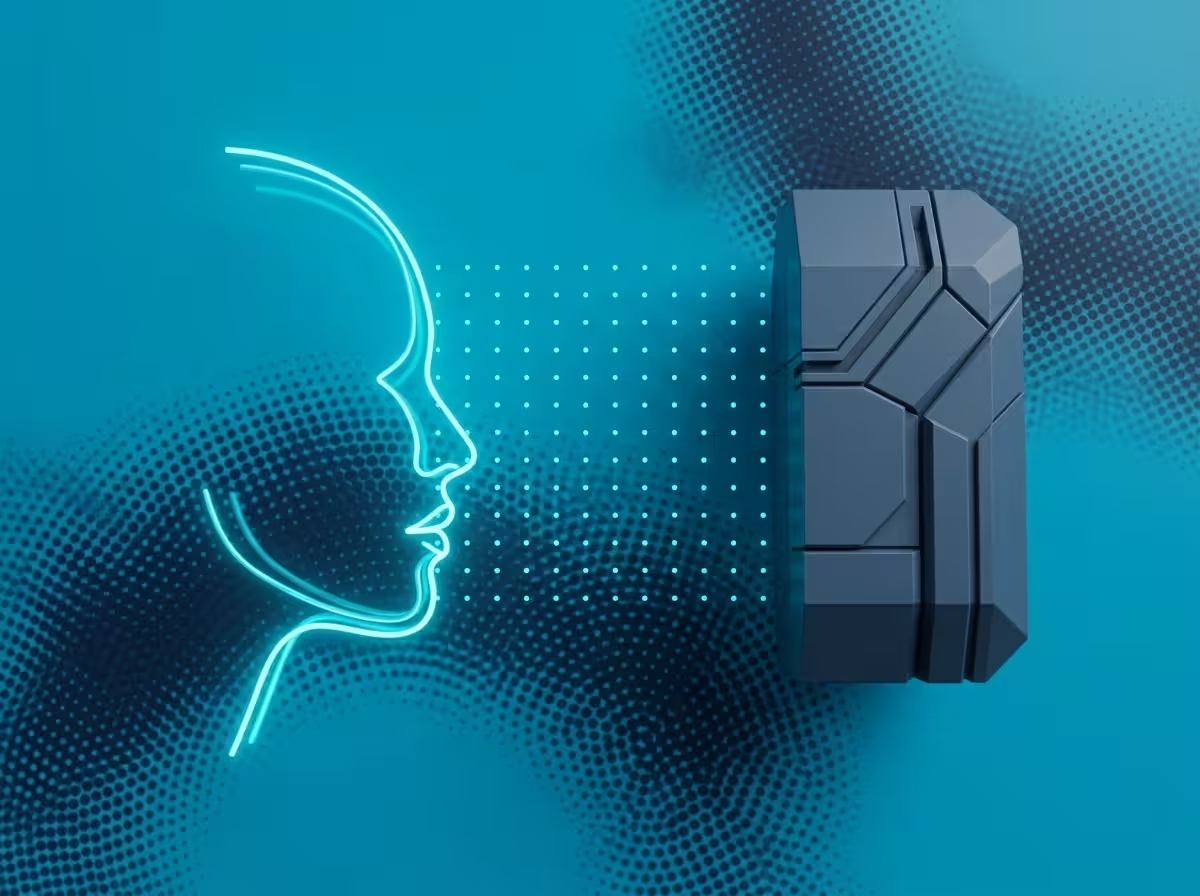
Human biometric characteristics—such as a face or fingerprint—are unique and inseparable identifiers. It is impossible to leave them in another bag, lose them in a parking lot, or give them to a colleague. Modern facial recognition terminals work wirelessly and instantly. An employee simply approaches a door or turnstile: a built-in camera reads key facial features in milliseconds, checks them against a built-in database, and sends a command to unlock the door.
At the same time, the latest security algorithms completely eliminate the risk of bypassing the system. The devices are equipped with anti-spoofing technologies that can easily distinguish a live, three-dimensional human face from a photo printed on paper or a video clip displayed on a mobile phone screen. Investments in modern biometric technologies pay off in a very short time because they instantly eliminate any abuse and fraud related to employee working hours tracking.
Automating Time and Attendance Tracking: From Monitoring to Analytics
Controlling compliance with work schedules is one of the most powerful internal resources for improving the efficiency and profitability of any business. Systematic tardiness by employees—even by 10–15 minutes at the beginning of the day—or regularly leaving early for lunch, when a company has several dozen employees, amounts to hundreds of lost working hours every month. The company continues to pay salaries for these unworked hours, which causes direct financial loss. Implementing access control systems integrated with specialized software for working time and attendance tracking transforms routine access logging into a transparent analytical tool.
The logic of such an automated system is extremely simple and easily understood by the user. Every morning, when an employee passes through a turnstile or a door with a biometric scanner, the software records this event and marks the start of the work shift. When an employee leaves the building for a lunch break or goes home at the end of the workday, the system also records the exit time. Based on this accurate, objective data, the software generates detailed reports for management, HR directors, and accounting specialists.

Using professional automation software allows you to access key HR statistical data with a single click:
Accurate logging of arrival and departure times for each employee or the entire department;
Automatic calculation of the total number of hours actually worked by employees during the week, month, or any selected reporting period;
Automatic identification and archiving of all disciplinary violations: tardiness, early departures, unjustified extended breaks, and absenteeism;
Clear statistics on justified employee absences (business trips, sick leave, days off) and timely detection of unauthorized absences.
Choosing a “ready-made solution” for time and attendance tracking frees HR managers from the tedious task of creating manual spreadsheets and eliminates any disputes or subjectivity when calculating salaries. Employees realize that they are compensated only for the actual time spent at the workplace, which significantly improves self-discipline within the team and increases overall productivity.
Criteria for Selecting Equipment for Projects of Different Scales
To create a reliable, durable, and flawless security system, it is essential to have a clear understanding of its hardware components. Installing a standard access point (e.g., a single office door) requires a kit consisting of several basic elements, each of which is selected according to specific operating conditions:
Electronic Lock: This is the actuator that physically keeps the door locked.
Depending on the door type (glass, wood, composite) and its weight, either a powerful electromagnetic lock or a reliable electromechanical lock is used.
Reader or Controller: This is the processing device for the access point.
For facilities where a card-based system is used, compact and elegant wall-mounted devices are selected—for example, the Hikvision DS-K1103M reader, which transmits data to a central control unit.
Biometric Terminal: This is an intelligent “all-in-one” device that combines an optical module, a recognition processor, and a lock control unit.
The compact Hikvision DS-K1T343EWX facial recognition terminal is very popular in modern offices, providing high scanning speed.
For gates, exits, or outdoor warehouse entrances, it is better to choose weather-protected models—for example, the DS-K1T502DBWX-C terminal, which is resistant to all external environmental impacts.

When selecting specific models for your business facility, experts recommend focusing on three main technical parameters:
1. Internal Memory Capacity
Each terminal has a strict limit on the number of face templates or cards that can be stored locally in its memory. For a small office or a local shop, basic models designed for a few hundred users are perfectly sufficient. For large factories, major business centers, or logistics hubs, professional-grade devices are chosen, which can store and instantly process tens of thousands of biometric profiles.
2. Environmental Conditions and Protection
If the entry point is located in a heated building, you can use standard indoor units with plastic or lightweight metal housings. However, if the equipment is to be installed in an outdoor environment, an open parking lot, or an unheated warehouse, it is essential to select models with a high level of protection against moisture and dust (at least IP65) and a wide operating temperature range to ensure reliable performance across all seasons.
3. Network Interfaces and Integration Capabilities
To ensure that time and attendance reports are transmitted without delay, all terminals must be connected to a single network. It is important to check for the presence of built-in Wi-Fi modules or standard Ethernet ports. This will allow you to easily connect the equipment to the company’s existing network infrastructure and timely synchronize data with accounting and HR automation software.
Stages of Designing and Implementing Access Control Systems at a Facility
Creating an effective and flawless security system is a systematic engineering process that requires professional expertise at all stages of implementation. Errors made during DIY or unqualified installations inevitably lead to electronic malfunctions, accidental door lockouts, loss of critical personnel access data, and the premature failure of expensive components.
Competent and reliable implementation of an access control system is always divided into four main stages:
Engineering Site Survey: Our specialists visit the site to study the building layout in detail,
assess the types and conditions of doors, measure door dimensions, and observe pedestrian traffic during morning and evening peak hours.
This ensures that the risk of queues forming at the entrance is completely eliminated.
Development of Individual Technical Specifications: Based on the audit, an exact list of the required equipment, cables, and mounting elements is prepared.
It is important to note that for some complex components of the project, the exact cost is calculated individually, in accordance with the client’s specific requirements, as it directly depends on the building’s overall architecture, future network scalability, and software functionality requirements.
Installation and Cabling Works: Qualified installers lay communication and electrical wiring and install electronic locks, door closers, readers, and terminals.
All work fully complies with technical regulations, electrical safety rules, and interior design requirements.
Commissioning, Programming, and Training: Engineers perform the final connection of devices to the server,
install and configure time and attendance software, enter the profiles of the first employees into the database, define access rights,
and conduct detailed training for managers and administrators appointed by the client.
To ensure that the system you create works flawlessly, provides reliable protection for your business, and becomes a transparent tool for monitoring discipline, the wisest decision is to find a trusted integrator of access control systems and entrust the entire project to experienced professionals who can provide an official warranty on both the equipment and the installation work performed.
Recommended Sections and Useful Resources:
Equipment Catalog — A wide selection of controllers, locks, and ready-made kits for facilities of any size.
Biometric Solutions — Innovative terminals for contactless and accurate employee identification.
Software Packages — Software for automating HR record-keeping and working time monitoring.
Expert Advice — A detailed analysis of why the recognition method is the main factor in the design of access control systems.
Order installation of an access system in Tbilisi: +995 595 532 112 Free site inspection.
Author: Morris Melia Co-founder and CTO of INNOTECH, Tbilisi. 25+ years of experience in the field of IT and security technologies. Certified partner of Hikvision, Dahua, Uniview, and Teletek. Holder of Cisco CCNA and VMware VCP certificates. Personally led hundreds of projects for business centers, hotels, residential complexes, and industrial facilities in Georgia.