


Interactive Boards for Meeting Rooms and Classrooms: How to Choose Size, Technology, and Configuration
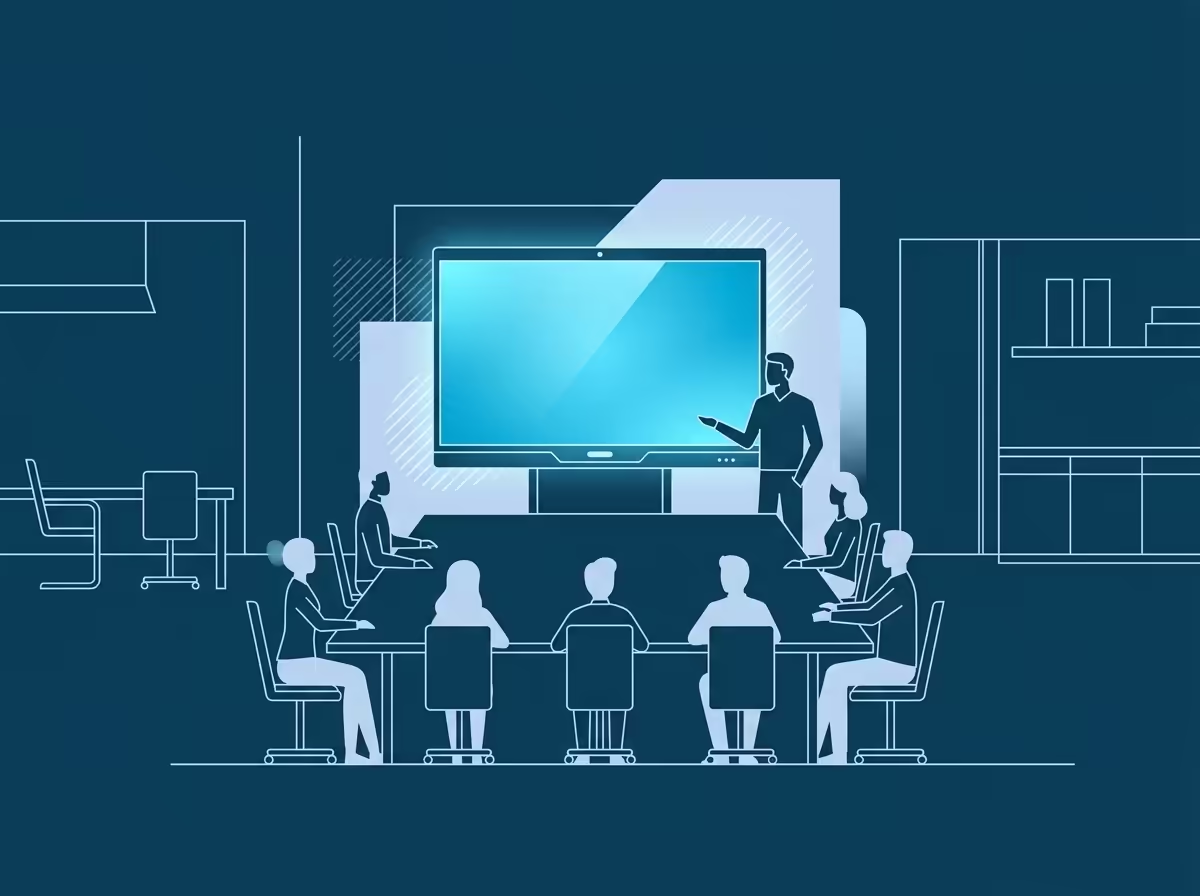
A meeting room with a projector and a tripod screen is a familiar sight.
The lamp takes 15 minutes to warm up, the image is dim in daylight, and marker writing on a flipchart is hard to see from the back rows.
The first 10 minutes of the meeting are wasted just getting this to work.
Interactive boards and monitors solve this problem differently: you turn them on — they work, you touch them with a finger or stylus, and the image is clear in any lighting. However, before buying, specific questions arise: what size do you need for your room, a stand or a wall mount, 65 or 75 inches, what is included in the basic package? Let’s consider everything in order.
When a Projector Can No Longer Handle the Task
Using a projector is justified in only two cases: a large hall of 80 square meters or more with constant blackout, or if the budget is so limited that no other option exists. In other situations, it loses on several parameters:
Lighting: A standard meeting room with windows creates lighting conditions where a projector loses contrast.
An interactive monitor works with 350-400 nits of brightness and is not dependent on room light.
Time: You have to turn on the projector, let it warm up, and adjust the focus.
A monitor is ready for work within seconds of pressing the power button.
Collaboration: A projector is a one-way display device.
An interactive board allows you to draw, move objects, and make notes directly on the screen with multiple simultaneous touches.
For business meetings, training, and brainstorming, this is a fundamental difference.
Maintenance: A projector lamp is expensive and eventually fails.
Monitors do not have such consumables.
How to Choose the Size: A Formula Based on Room Area
The main mistake when selecting is focusing on price or “what is in stock,” rather than the room’s geometry.
The basic rule: the distance from the screen to the last row of the audience should not exceed four diagonal lengths of the screen. For a 65-inch monitor, this is approximately 5.9 meters, and for a 75-inch monitor, it is approximately 6.8 meters.
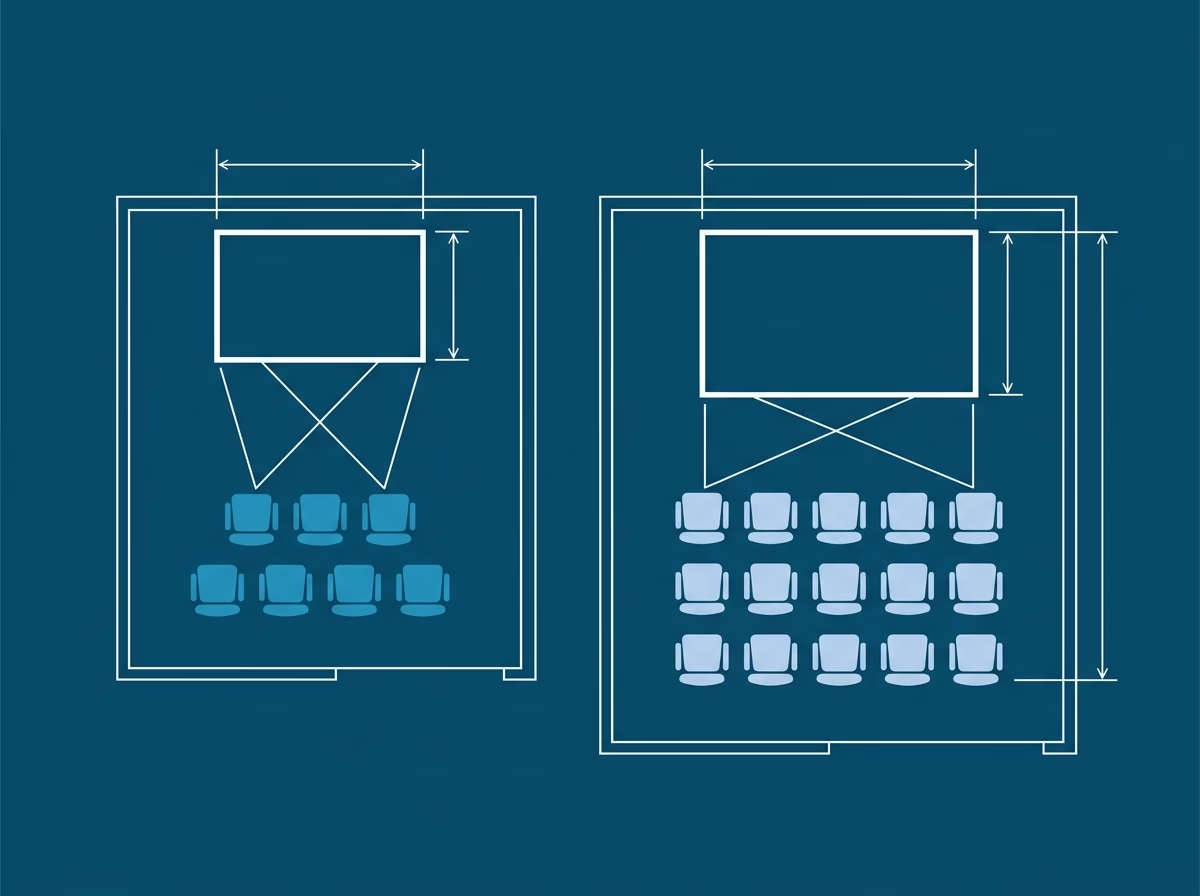
For a meeting room of up to 20 square meters, designed for 6-8 people, a 65-inch screen is sufficient. For a room of 30-40 square meters for 10-15 people, 75 inches is recommended. If the space is larger or if training sessions are regularly held there, it is worth considering multiple screens or professional video walls.
The Dahua DHI-LCH65-MC410-B-S2 is a 65-inch model with a touch screen, 3840×2160 (4K Ultra HD) resolution, and 32 touch points (for Android OS) and 40 (for Windows). The DHI-LPH75-MC480-U is a 75-inch version for rooms with greater viewing depth or where content needs to be read from a distance of more than 5 meters.
If you want to order an interactive board or check the availability of a desired model, the most convenient way is to call us — we have both models and the necessary accessories for them in stock.
Stand or Wall Mount: What to Choose
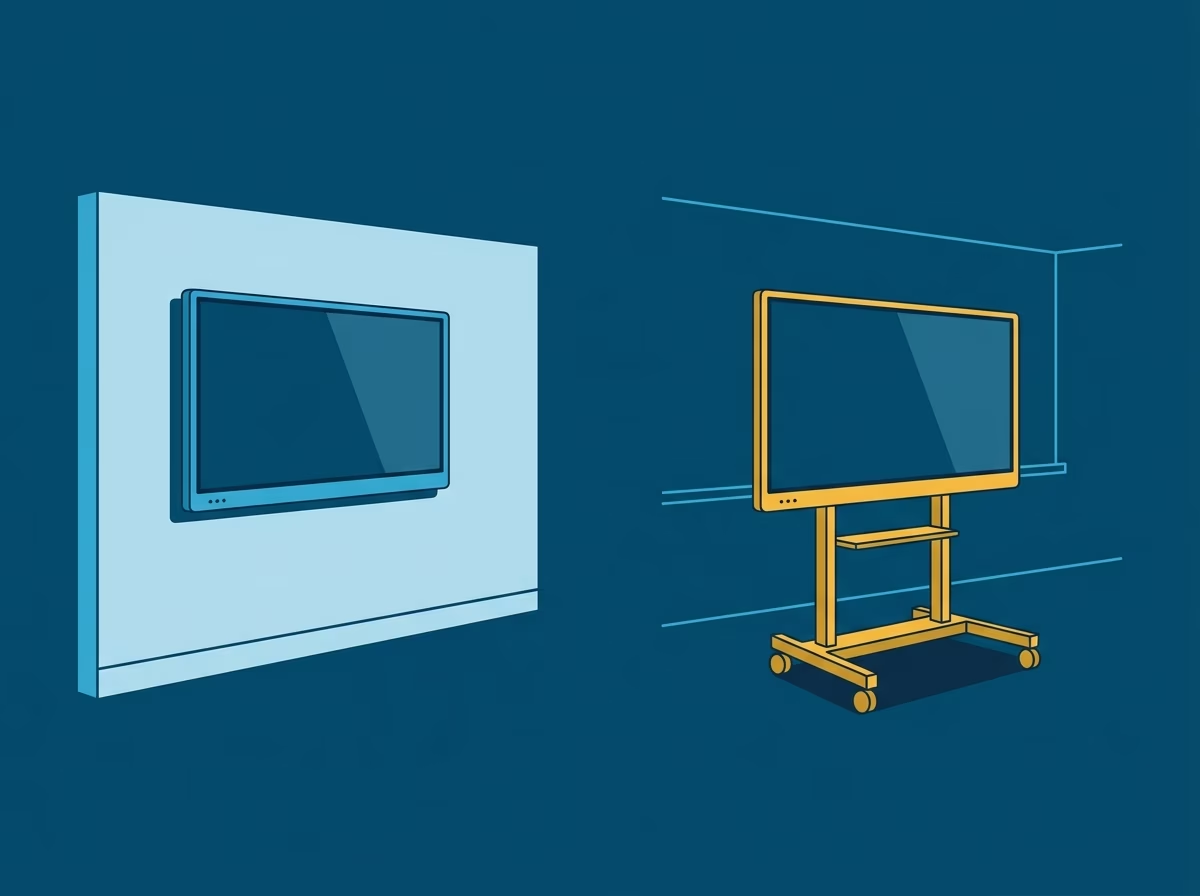
Wall mounting is a standard solution for permanent meeting rooms. The monitor is fixed in one place, takes up no floor space, and looks tidy. The downside: if the company moves or wants to use the screen in different rooms, you will have to dismantle the mount and drill the wall again.
The DS-D5ABKY2-S mobile stand solves this problem. The monitor is attached to a wheeled stand and can be moved between rooms without any tools. This is especially convenient for companies that are currently transitioning to an interactive meeting format and want to test the screen in several rooms before deciding on its permanent location.
Using a stand is also justified for classrooms and training halls, where the same equipment is used in different auditoriums according to a schedule.
What’s Included in the Package and What to Consider Beyond Screen Size
Diagonal size is not the only selection parameter. Here is what truly matters in practice:
Touch Layer: The multi-point touch sensor on Dahua interactive boards supports simultaneous work by multiple users on the screen.
When selecting an interactive board for an office in Tbilisi, this is a key parameter for group work, allowing several people to draw or write at the same time.
Built-in System: Dahua interactive monitors operate on a built-in Android system and can receive signals via HDMI or USB from an external Windows PC.
For most tasks, a separate computer is not required—this is particularly convenient for installation in meeting rooms and classrooms, where different employees can use the equipment without needing individual configurations.
Remote Control: The DS-D5SC3B-W remote allows you to switch signal sources, adjust volume, and control basic functions without having to walk up to the screen.
This is very convenient during presentations when the speaker is standing in front of the audience.
Sound: Built-in speakers easily handle meeting rooms of up to 30 square meters.
For larger spaces or conference halls, it is worth considering connecting external audio systems via the available audio outputs.
Connectivity: HDMI, USB, DisplayPort, and wireless Screen Mirroring are supported.
This means that, in most cases, any employee can display their laptop or smartphone screen without needing additional adapters.
Where Interactive Monitors Are Used in Business
Meeting Rooms are the primary use case: conducting meetings, collaboratively editing documents, and hosting video calls with remote participants.
Education and Training: Corporate classrooms where trainers work with a group: making annotations on the screen, assigning interactive tasks, and displaying videos.

Reception and Waiting Areas: Interactive monitors in digital signage mode serve as schedules, building navigation tools, and displays for branded content.
Banks and Financial Organizations: Product demonstrations for clients, employee training, and internal meetings.
Among Innotech’s clients are several banking institutions where this equipment operates continuously.
Education: Universities and corporate training centers use interactive boards as a primary tool for classroom work.
How Not to Overpay: What to Check Before Buying
Several practical details you should clarify before ordering an interactive monitor:
Compatibility with your equipment: If your meeting room already has a specific conferencing system or corporate video platform installed,
check the supported protocols.
In most cases, the problem is easily resolved, but it is better to know in advance.
Mounting height: The standard for meeting rooms is 145-160 centimeters from the floor to the center of the screen.
When mounting on a stand, this height is adjustable; however, when wall-mounting, this should be considered directly during the installation process.
Warranty and service: Hikvision is an official partner of Innotech.
This means not only having products in stock but also access to technical support, an official warranty, and service maintenance in case of any malfunctions.
Cable management: If the monitor is wall-mounted, plan the cable routing in advance — power, HDMI, and local network cables.
When mounted on a stand, this issue is simpler: most stands have built-in cable channels.
What to Do Next
If you are choosing an interactive monitor for a meeting room or classroom, send us your floor plan or just give us a call. We will confirm the measurements, help you select a model, and let you know what is included in the standard configuration and what you will need to purchase separately.
Phone: +995 595 532 112 Office in Tbilisi: Karvasla Shopping Center, 4th floor, office A414.
Author: Morris Melia Co-founder and CTO of INNOTECH, Tbilisi. 25+ years of experience in the field of IT and security technologies. Certified partner of Hikvision, Dahua, Uniview, and Teletek. Holder of Cisco CCNA and VMware VCP certificates. Personally led hundreds of projects for business centers, hotels, residential complexes, and industrial facilities in Georgia.