


Access Systems for Offices in Tbilisi: Which Solution is Suitable?
Keys get lost. A former employee left the company six months ago, yet someone still has a duplicate of their keys at home.
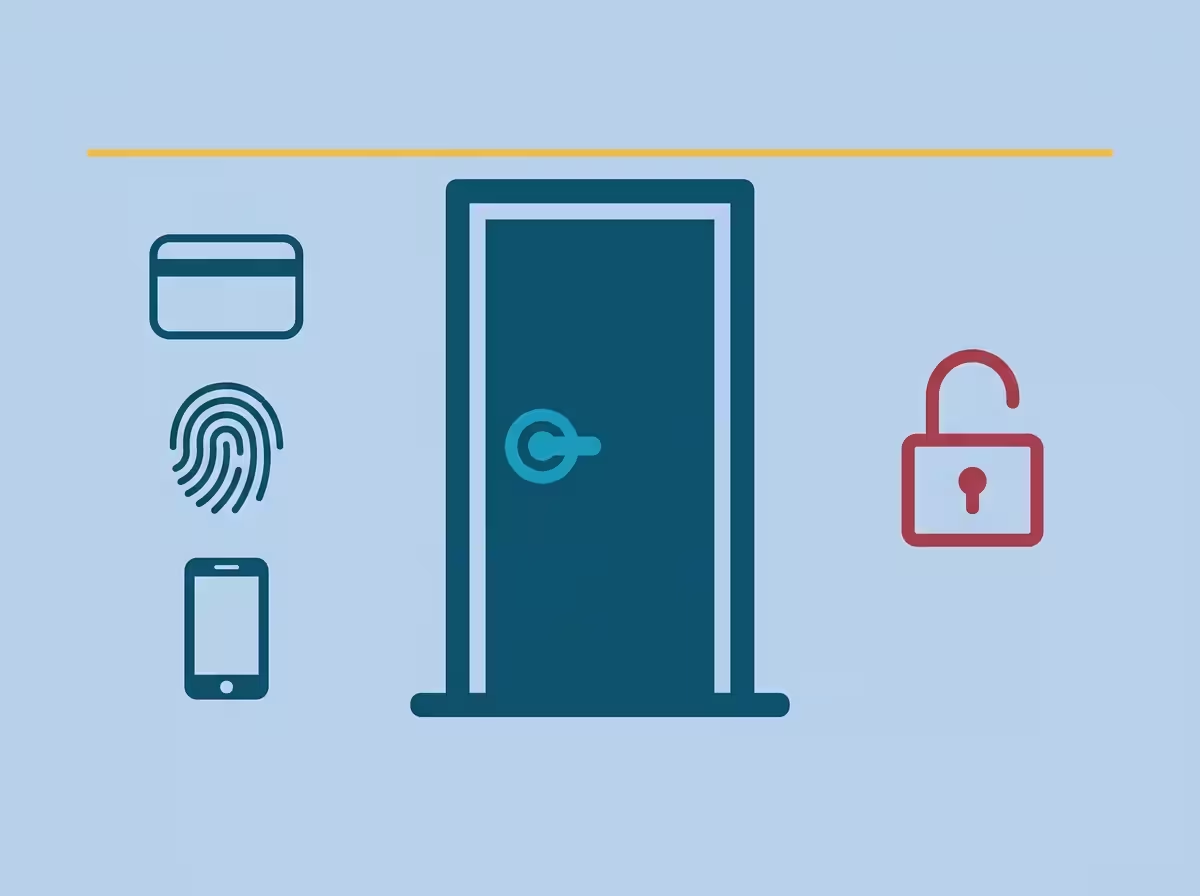
No one knows who entered the director’s office on Saturday, or when. The cleaner arrives at seven in the morning, but this is confirmed only by their own word. This is a typical situation for offices in Tbilisi, where access is still based on metal keys and trust. Access control and management systems solve this problem through electronic identification. A reader and an electronic lock are installed on the door. An employee taps a card, uses their fingerprint, or brings their smartphone near the reader, after which the door opens. Every event is logged: who opened which door, and at what time. A specific employee’s access can be revoked in one minute without needing to change any locks.
In an office with 5–30 employees, access systems are justified not by savings on locks, but by the speed of response. An employee leaves — access is revoked — the issue is resolved. In offices with 30+ employees, a second layer is added: attendance tracking, zoning, and reports for accounting and management.
What is included in a basic access system
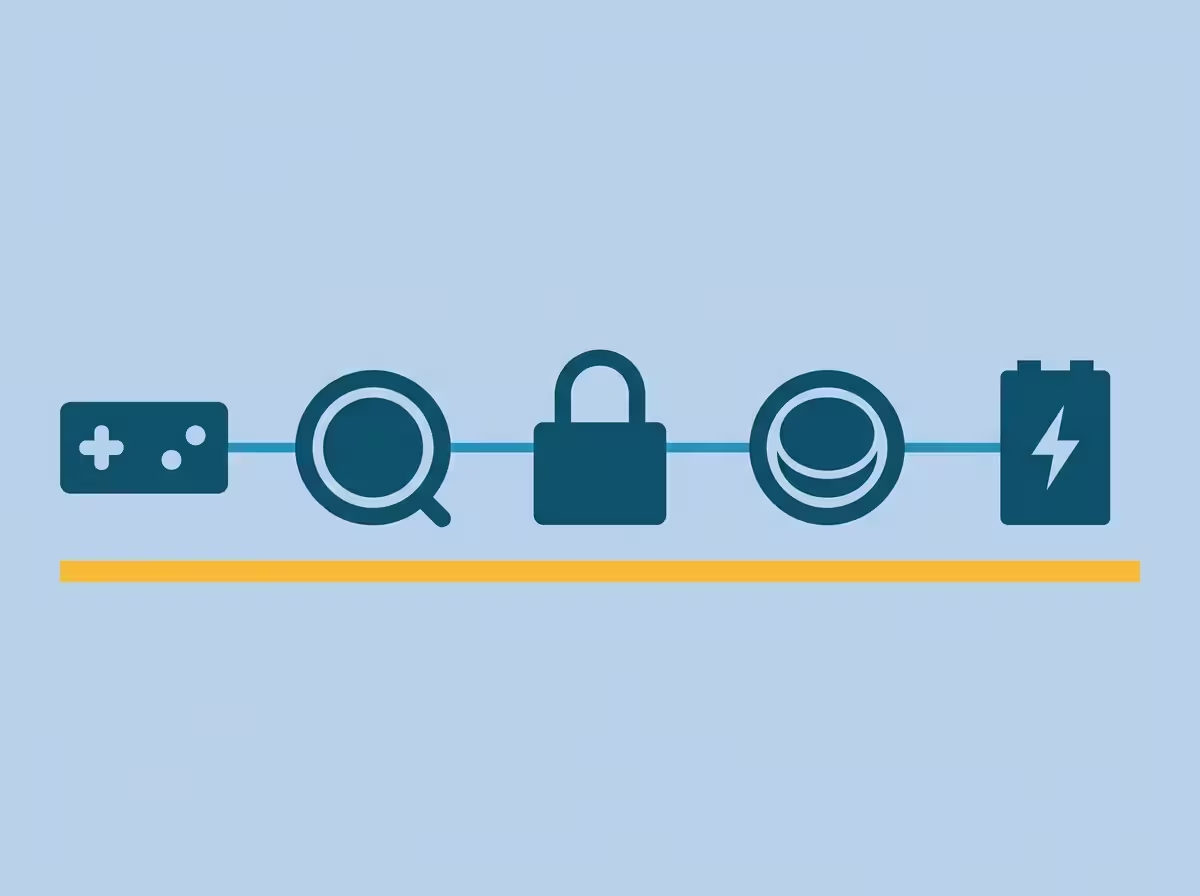
A basic access system designed for one door consists of five elements: a controller, a reader, a lock, an exit button, and a power supply unit. Without any one of these components, the system will not function properly.
Controller
The electronic “brain” of the system. It receives signals from the reader, checks the list of authorized users, and sends a command to the lock. It stores the access database and the event log. Controllers are available for one, two, or four doors, and can also be networked together across an entire building.
Reader
The device that identifies the access credential. Card readers operate via radio frequency (RFID), biometric readers scan fingerprints or faces, and mobile readers receive signals from smartphones. The reader is installed on the outside of the door. On the inside, an exit button is typically installed to allow egress without requiring identification.
Lock
An electromagnetic lock holds the door shut using magnetic force, which requires constant power; the door unlocks automatically if power is cut. An electromechanical lock operates on the principle of a conventional mechanical lock but is controlled by an electrical impulse and maintains its current state (locked or unlocked) if power is lost. Electromagnetic locks are cheaper and easier to install, while electromechanical locks are more reliable for heavy doors and in conditions where power outages are frequent.
Exit Button and Power Supply
The exit button allows employees to open the door from the inside without an access credential. This is necessary both for fire safety regulations and daily convenience. The power supply unit ensures stable voltage for the lock and controller. Standard kits include a backup battery, which provides 1–2 hours of autonomous operation during power failures.
Three Methods of Identification and How to Choose
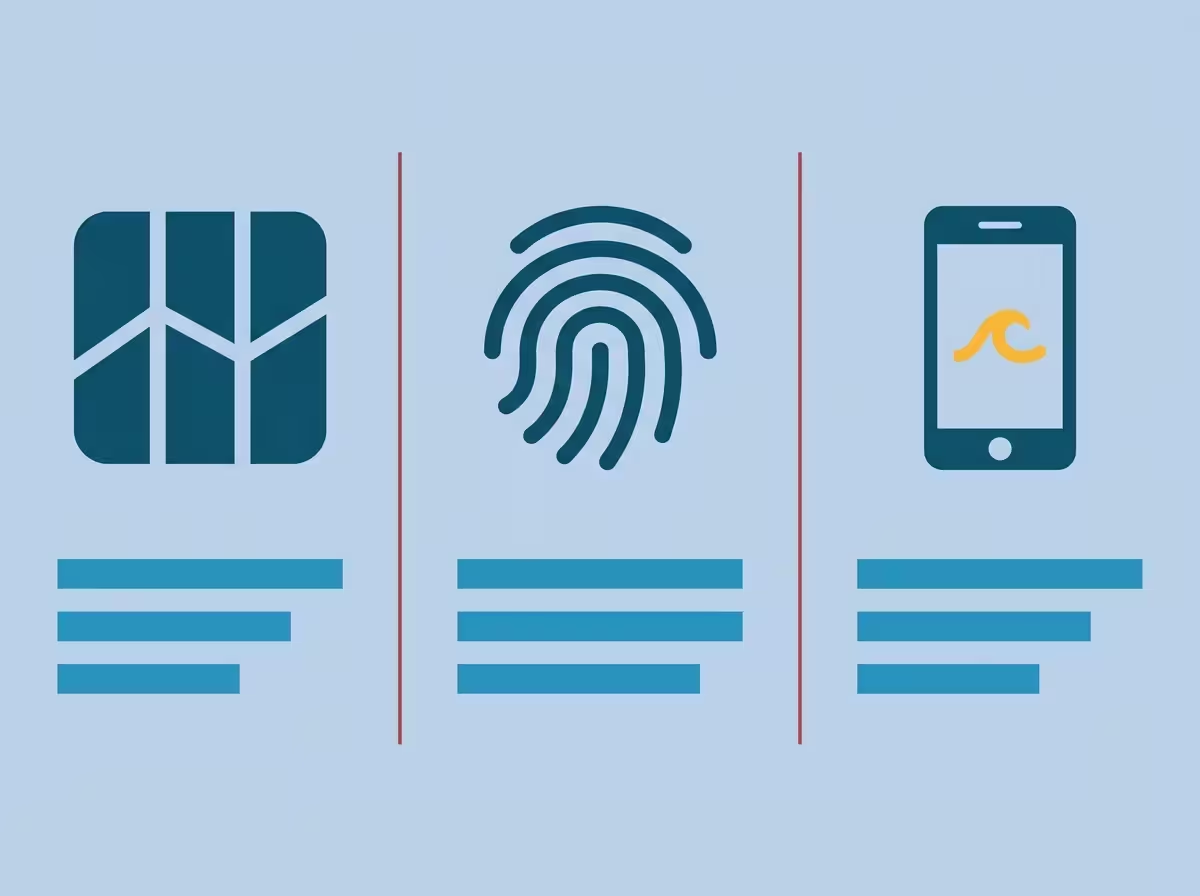
The identification method determines the system’s cost, employee convenience, and security level. Three main options are used in the Tbilisi market: cards or key fobs, biometrics, and mobile credentials. Your choice should be based on the specific type of facility, rather than current trends.
Card or Key Fob
This is the most common option. It is inexpensive, familiar, and easy to issue to new employees. The cost of a card is roughly equivalent to the price of a cup of coffee; they are prepared in batches and programmed on-site. The main disadvantage is that they can be passed on to others, lost, or left at home. For offices with a high turnover of new employees or temporary contractors, this is a practical solution. However, in environments where personal responsibility for access is paramount, cards are weaker compared to biometrics.
Biometrics
Identification via fingerprint or facial recognition. Fingerprint scanning is fast, while facial recognition is more convenient in terms of hygiene and for staff working with gloves. Biometrics virtually eliminate the sharing of access credentials: it is impossible to “share” a fingerprint or use a colleague’s face to gain entry. For offices with 10–30 employees that require high security, this is the right choice. Although a biometric reader costs 3–5 times more than a card reader, the cost is offset by the elimination of expenses related to producing and replacing physical cards.
Mobile Credentials
Employees tap their smartphone against the reader or unlock the door via an app. This is particularly convenient for offices with a large flow of visitors: a link for a temporary pass can be sent via messenger, allowing the visitor to enter without needing a plastic card. This solution is ideal for coworking spaces, IT offices, and international company branches. While the technology requires more expensive readers and stable internet, it is justified in environments with daily guest traffic.
When to Choose a Hybrid System
A hybrid scheme is used for facilities where the criticality of different zones varies. Cards work for floor access and common areas, while biometrics are used for server rooms, conference rooms containing confidential information, and the CFO’s office. This is standard practice in offices with 50+ employees that have their own IT infrastructure.
Attendance Tracking as an Additional Function of Access Systems
Every interaction with the access system reader logs the time. This means the system automatically records each employee’s arrival and departure times without the need for additional timesheets. Data can be exported to Excel by day, week, or month.
For accounting, this simplifies the tracking of work hours without additional equipment. For managers, it provides a realistic picture of discipline: who actually arrives at nine, who leaves at six, and who worked on Saturday. For the HR department, it reduces disputes regarding lateness and overtime.
Important Note: Attendance tracking only works accurately when every employee uses their own credential and consistently swipes/scans at the reader. If the office culture involves “holding the door” for colleagues, the accuracy of the records decreases. In high-security facilities, turnstiles are installed where it is physically impossible to bypass registration.

Integration with the Video Surveillance System
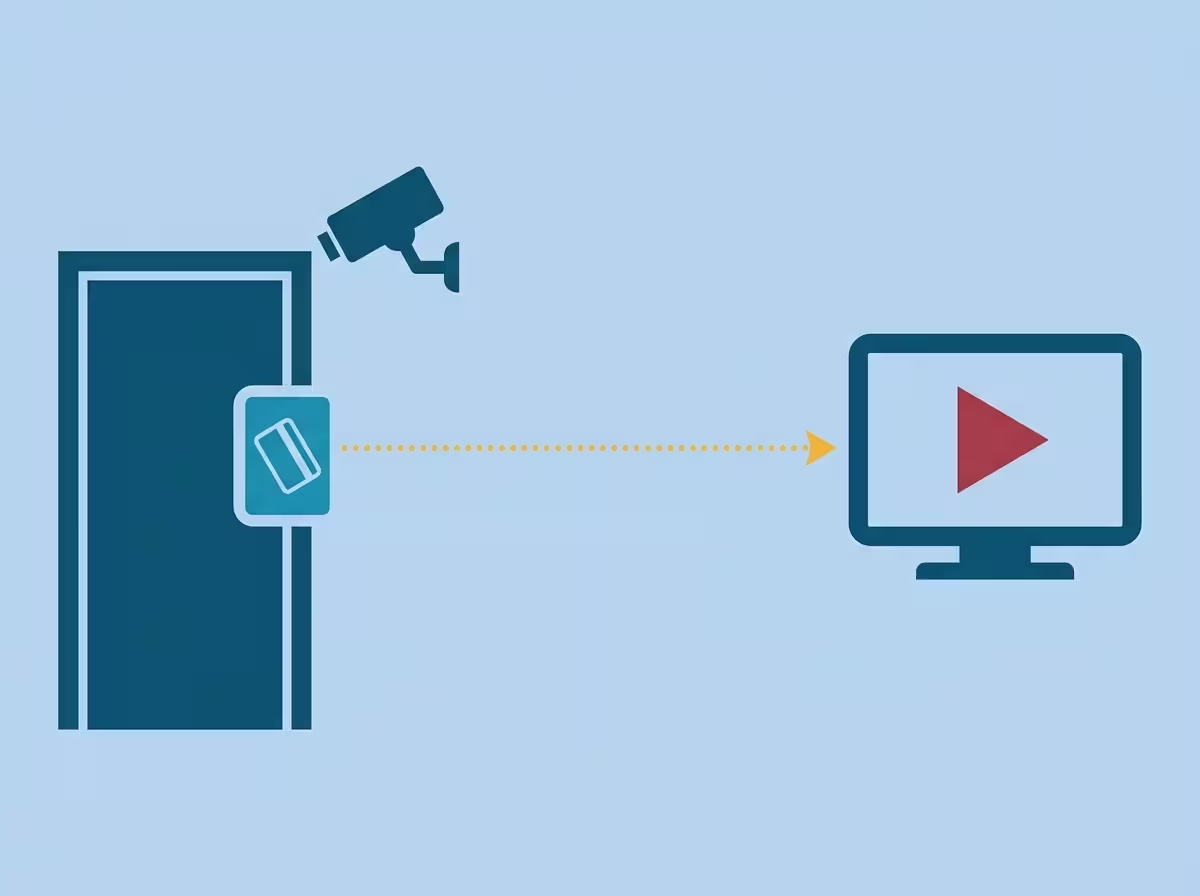
The most effective combination for an office. Every activation of the reader automatically triggers a recording on the entry camera. The access system log shows not just the record “Card 047, 9:14,” but also a video fragment: exactly who passed through with that card.
Scenario for a normal day: An employee enters the office, taps their card, the door opens, and the entry camera makes a short video recording linked to the event.
Scenario for a problematic day: In the morning, it turns out that someone entered the office at night. The log records the chief accountant’s card at 2:47. With one click, the video opens, and it is visible that it is not the accountant in the frame, but a stranger. The problem is identified in one minute.
Technically, the integration is carried out at the software level of the access system, which supports working with Hikvision, Dahua, and UNV video recorders. Innotech combines both systems into a single infrastructure. This is a typical solution — the video surveillance system and access systems are designed together during the facility inspection stage.
Solution for an office with 5–30 employees
Basic configuration: a controller for one entrance door, an outdoor card reader, an exit button inside, an electromagnetic lock, a power supply unit with a backup battery, and software to manage the access credential database and event log. This is sufficient for access control and automatic attendance tracking.
The cost of such a set consists of equipment and installation. Equipment starts from 700 GEL per site, installation from 300 GEL, depending on the door type and cabling complexity. The exact price is determined by Innotech after a site inspection. Installation time: 1–2 working days from the signing of the contract.
Solution for an office with 30+ employees
Advanced configuration: a multi-door controller, readers for the main entrance and individual zones (server room, accounting, meeting rooms), biometrics at critical points, integration with the video surveillance system, and advanced software for attendance tracking and zone control reports.
At such facilities, access systems are designed as part of a general security infrastructure along with video surveillance and security alarms. This includes a full site survey, coordination with the client’s IT department, and the installation of a structured cabling network. For large projects, SCS is implemented by Innocom, a subsidiary of Innotech.
What you should do next
Before ordering a system, prepare four key pieces of information: how many doors need to be controlled, how many employees are in the office and what is the staff turnover rate, whether you need attendance tracking with export to accounting, and whether you already have a video surveillance system, or if its installation is planned alongside the access systems.
With this data, a call to Innotech will take 5–7 minutes, and you will get an understanding of the system’s composition and estimated cost. The exact cost is calculated after a specialist visits the site. Site inspection in Tbilisi is free.
+995 595 532 112 Free site inspection in Tbilisi.
Author: Morris Melia
Co-founder and CTO of INNOTECH, Tbilisi. 25+ years of experience in the field of IT and security technologies. Certified partner of Hikvision, Dahua, Uniview, and Teletek. Holder of Cisco CCNA and VMware VCP certifications. Personally led hundreds of projects for business centers, hotels, residential complexes, and industrial facilities in Georgia.